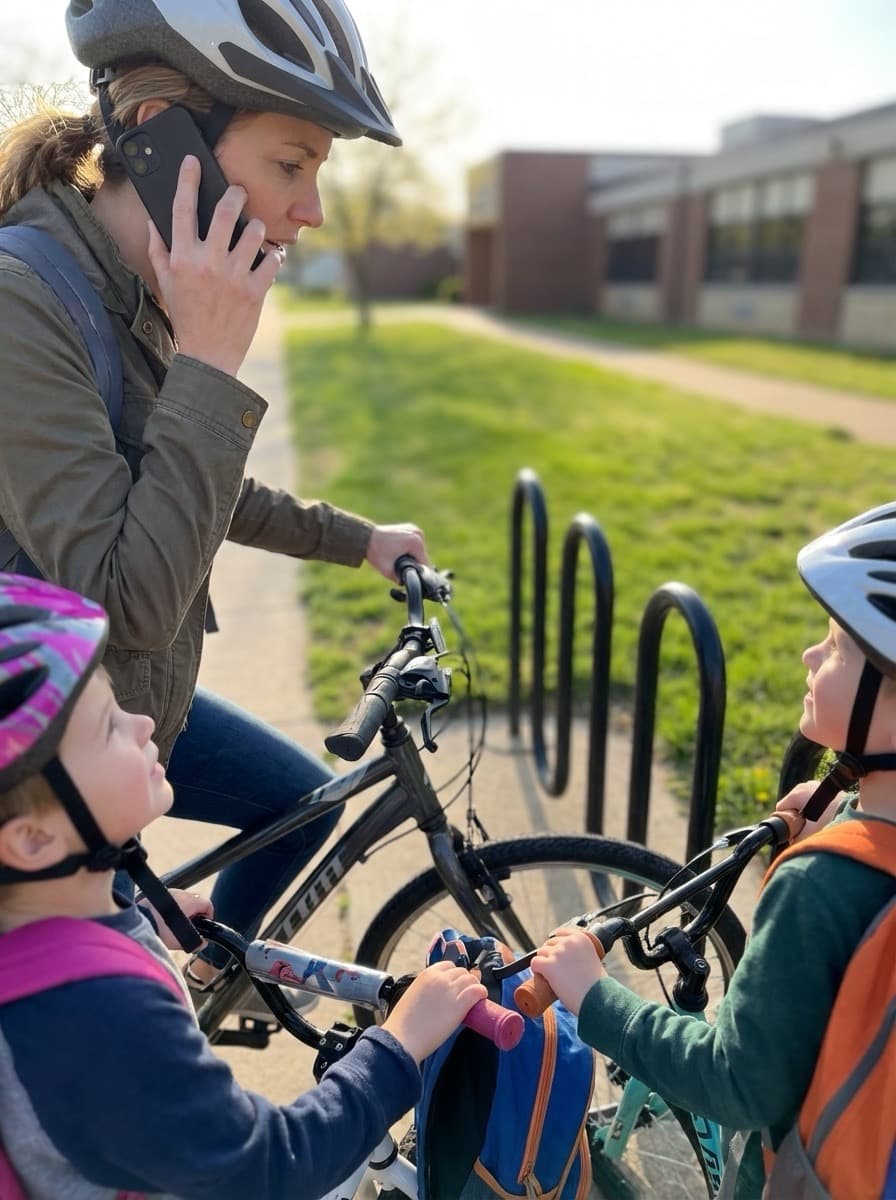
Helmets and bikes
Require properly fitted helmets and road-ready bikes. Do a quick safety check day before your first big ride.
Read topicWe are here to help
Guides for organizers, training outlines, safety reminders, answers to common questions, and a direct line to our team.
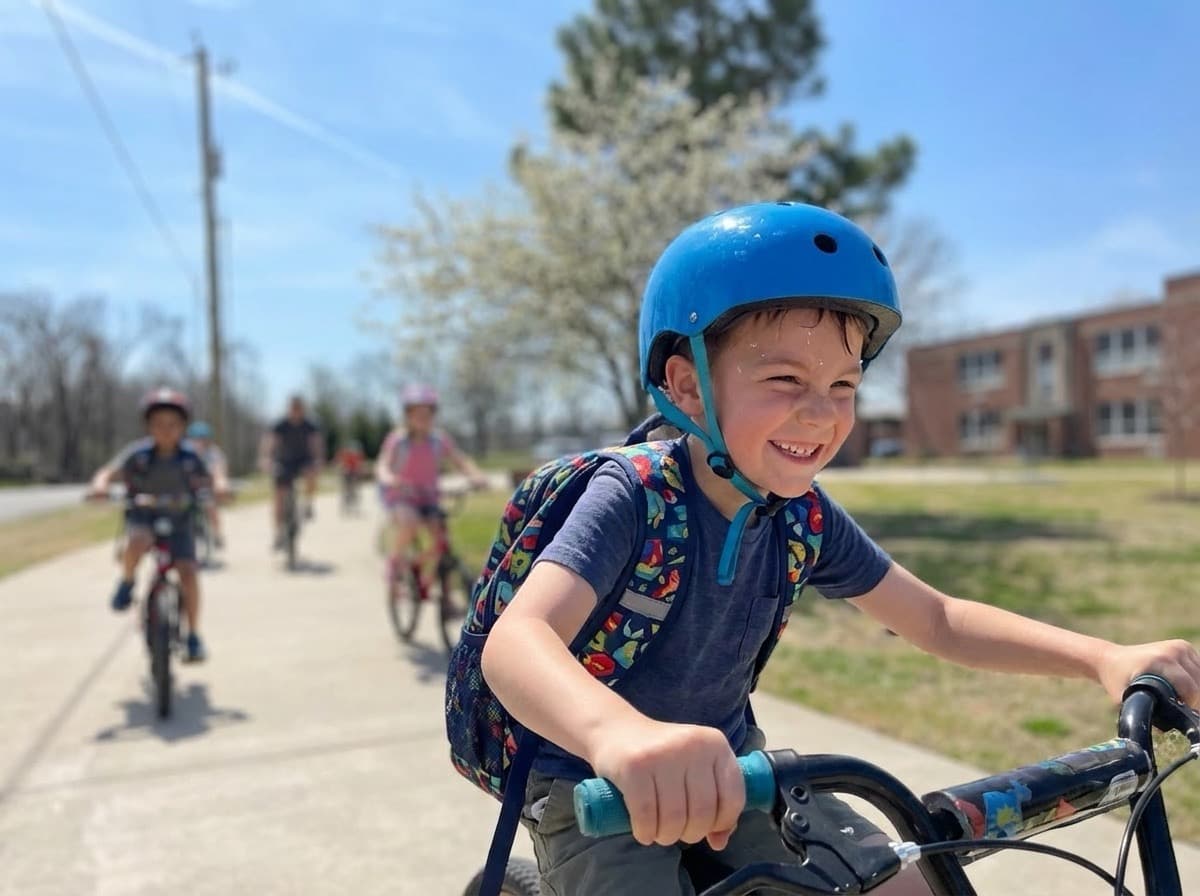
Step-by-step starting points for volunteers and school staff. Your exact process may follow local policies—these cover the tools in this app.
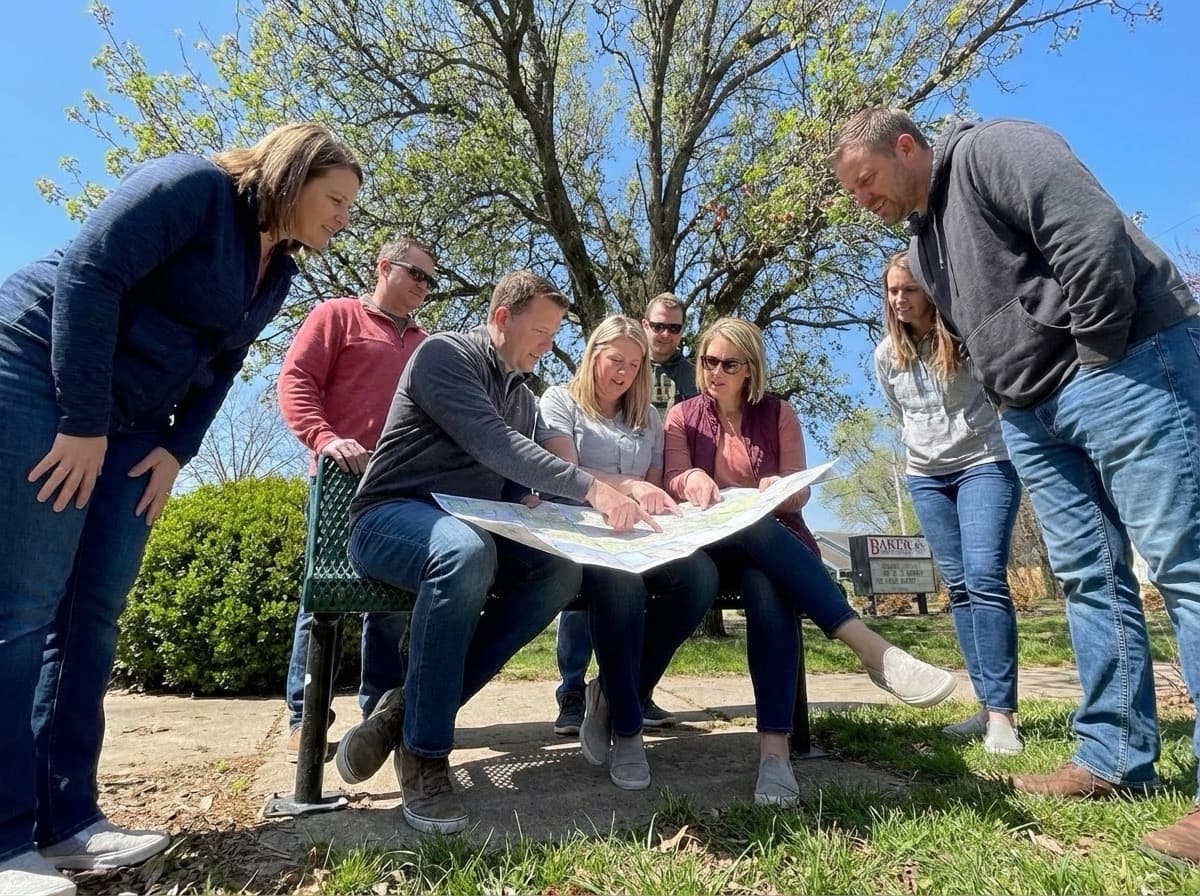
From Dashboard or Maps, create a new map and open the editor. Add your start and end, then place the rest of the stops in ride order. Use “Save map” to lock in changes as you build.
Read guide
Use the visibility selector in the map editor to choose Private, Group, or Public. After you change visibility, click “Save map”. For public maps, use “Copy link” to share the URL.
Read guide
Open the invite link, sign in with the invited email, and you will be added automatically and taken to the group page. If anything fails, check for an expired invite or a mismatched email address.
Read guide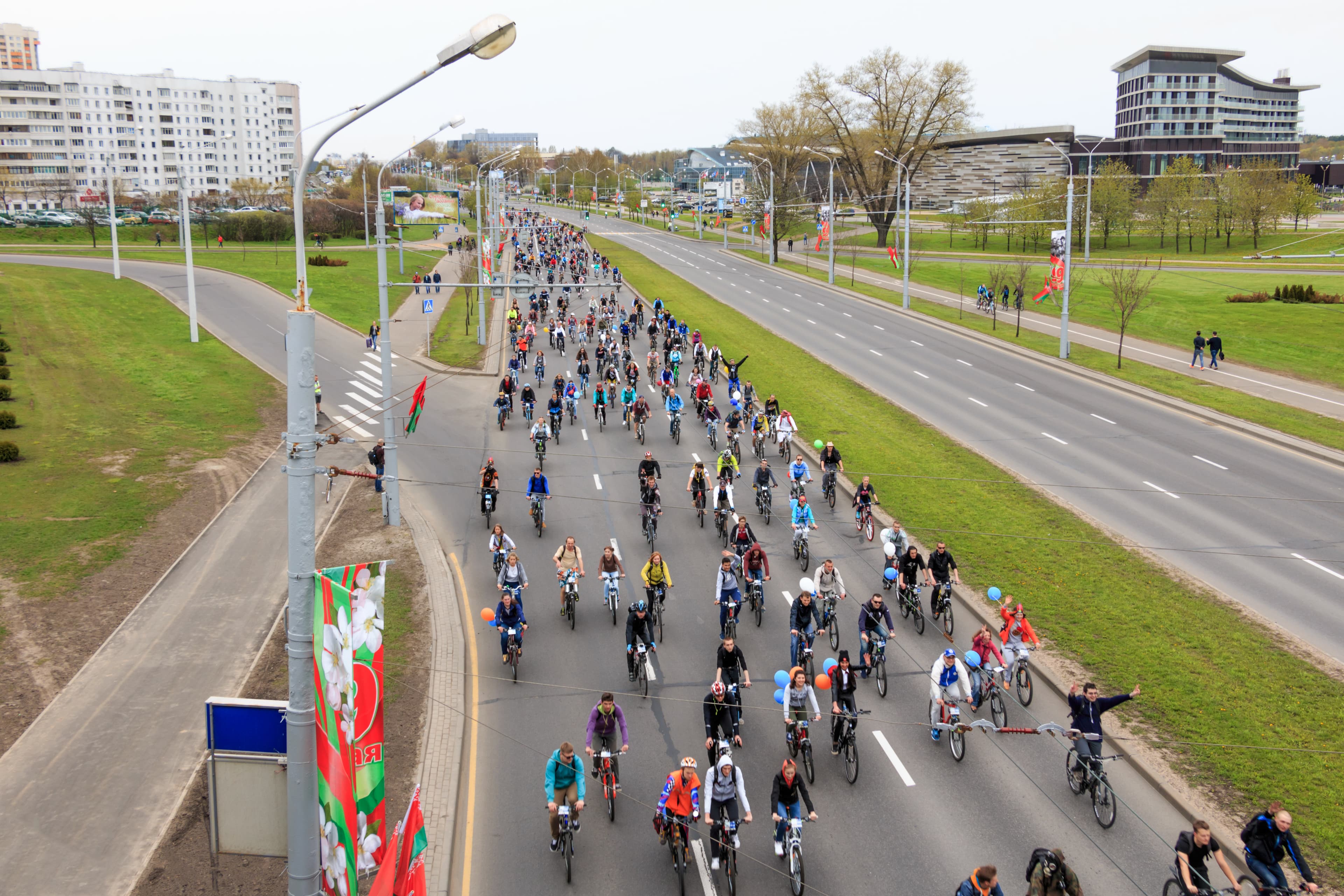
Make a route easy for families to use by switching the map to Public, saving the change, copying the link, and verifying the public view before you send it widely.
Read guide
From the group page, use “Invite Members” to send an email invite (or copy an invite link) so co-leaders can collaborate without sharing one login.
Read guide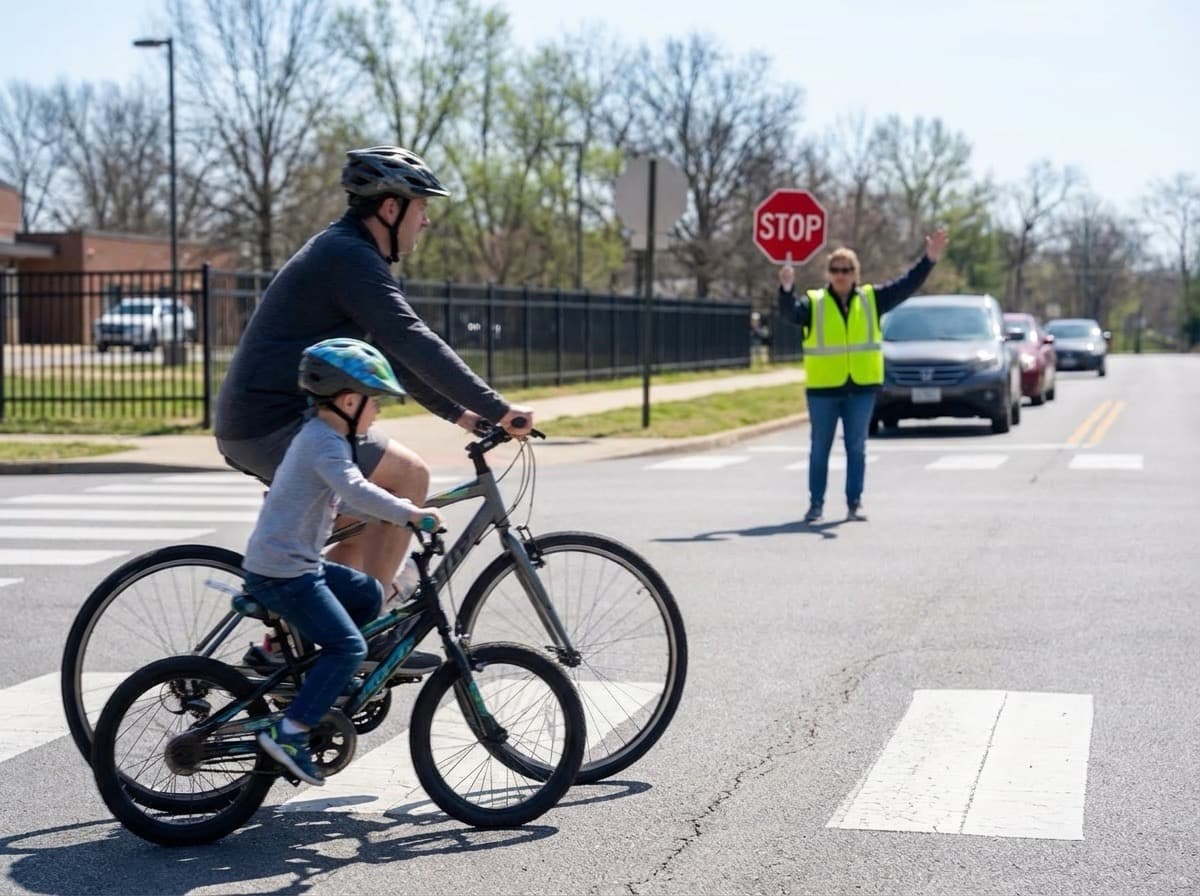
After you ride the route, adjust stop positions, notes, and times in the editor. Click “Save map” so the latest version shows up on the same shared link.
Read guideUse these modules as an agenda for an in-person meetup or a series of short planning sessions with your core team.
What a bike train is, roles (lead, sweep, corner marshals), and how the map builder fits into weekly operations.
Read moduleChoosing low-stress streets, working with your school and city on crossings, and documenting decisions on the map for families.
Read moduleHow to introduce the route, what to put in your first email, and reminders that keep participation steady through the year.
Read module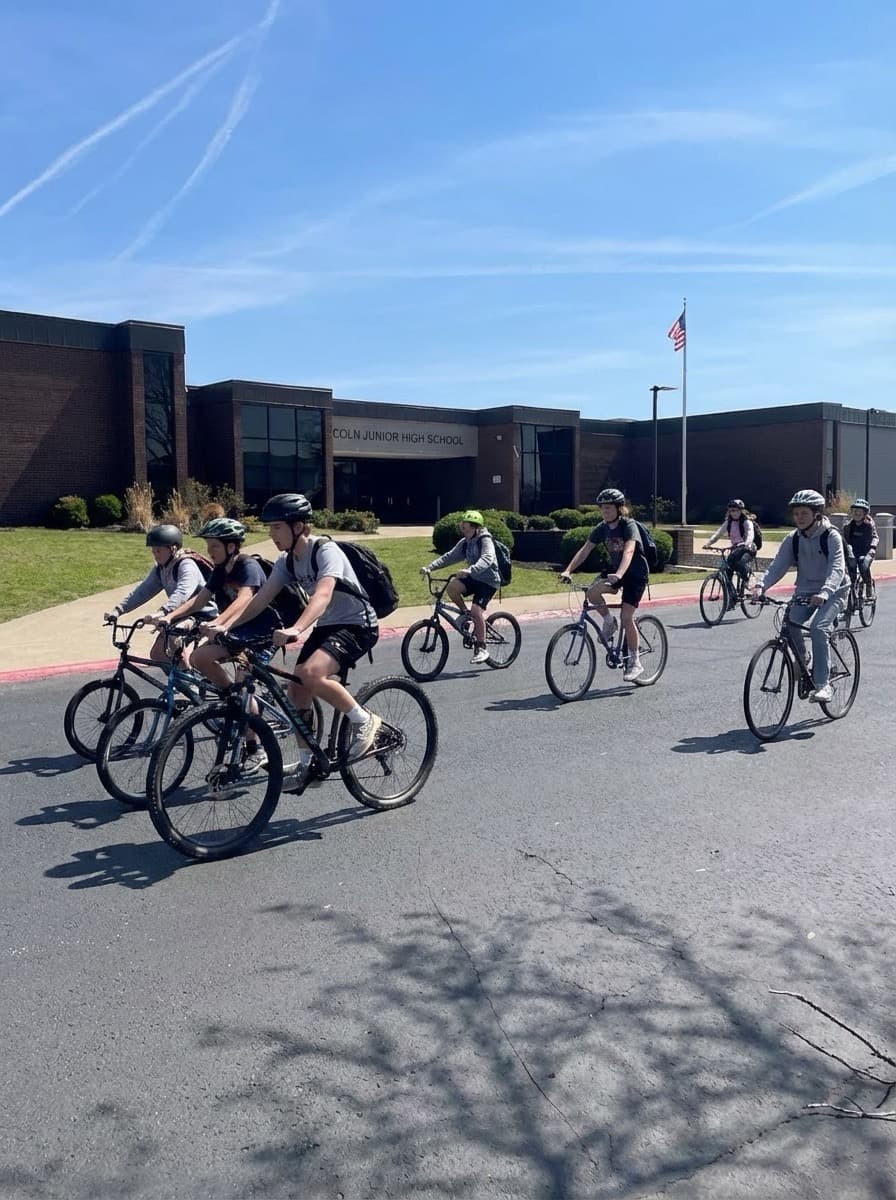
These reminders support on-the-ground leaders. Always align with your school district, local law enforcement, and Arkansas Moves partners for official guidance.
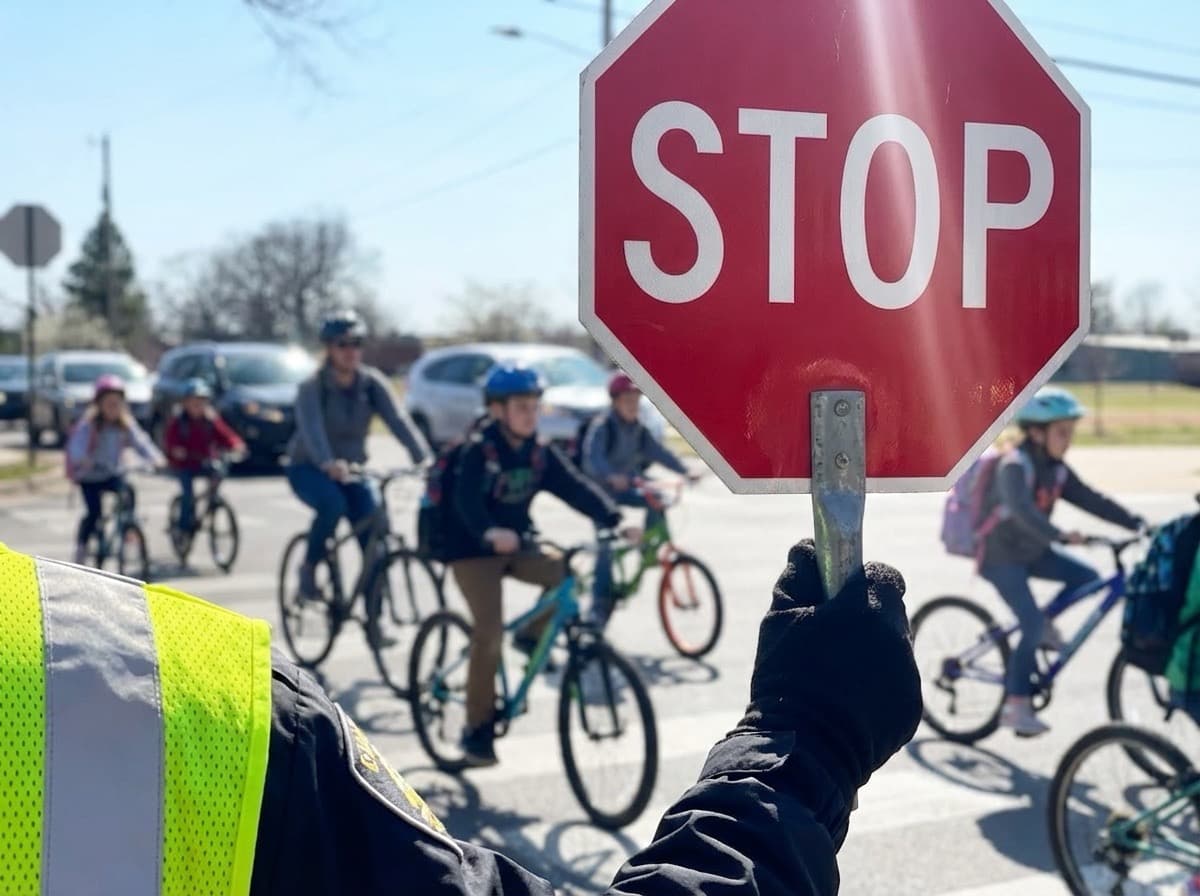
Require properly fitted helmets and road-ready bikes. Do a quick safety check day before your first big ride.
Read topicPlan adult coverage at every crossing you cannot avoid. Practice hand signals and stopping as a group before you add students.
Read topicSet clear expectations for skill level and behavior. Offer a practice session on a quiet weekend before school-morning rides.
Read topicDecide in advance when you cancel or pause. Post updates in the same channels families already use for your school.
Read topic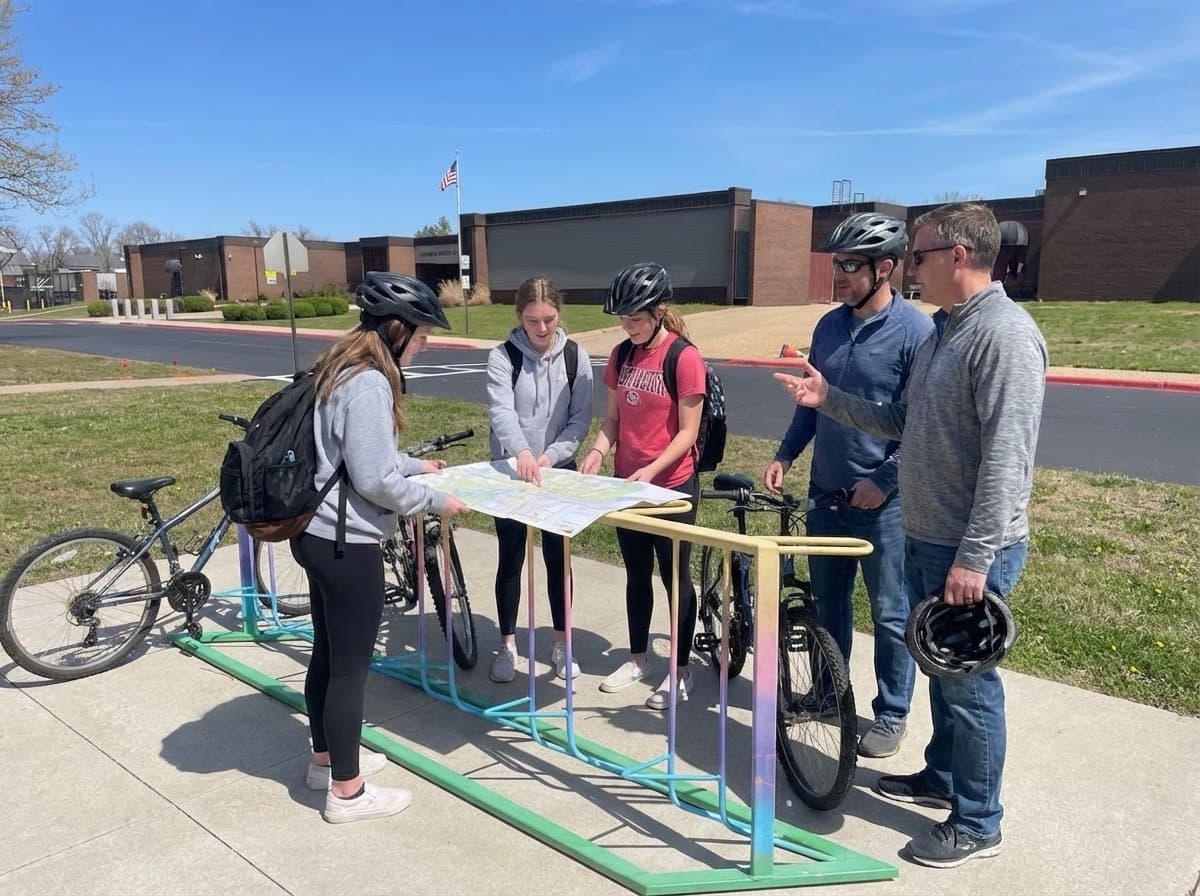
Yes. Create an account and start building maps and groups at no cost as part of the Arkansas Moves ecosystem.
No. Public maps open in the browser for anyone with the link. Accounts are for organizers who build and manage routes.
You can create multiple maps—for different grades, before- and after-school options, or seasonal paths—and share each separately.
Your organization controls the maps you create. Use the contact form if you need help exporting or closing an account.
Use the contact form on this page with topic “Account or login” or “Maps and routes.” Include a short description and, if possible, a link to the map.
Questions about the map builder, partnerships, or safer routes programs? Send a note and we will route it to the right person on the Arkansas Moves team.
For urgent safety incidents, contact local authorities and your school administration first.