Bike Train

Simple as riding a bike

How It Works

From first login to a link you can hand to families—here is the full path, with tips that help bike train leaders get rolling quickly.

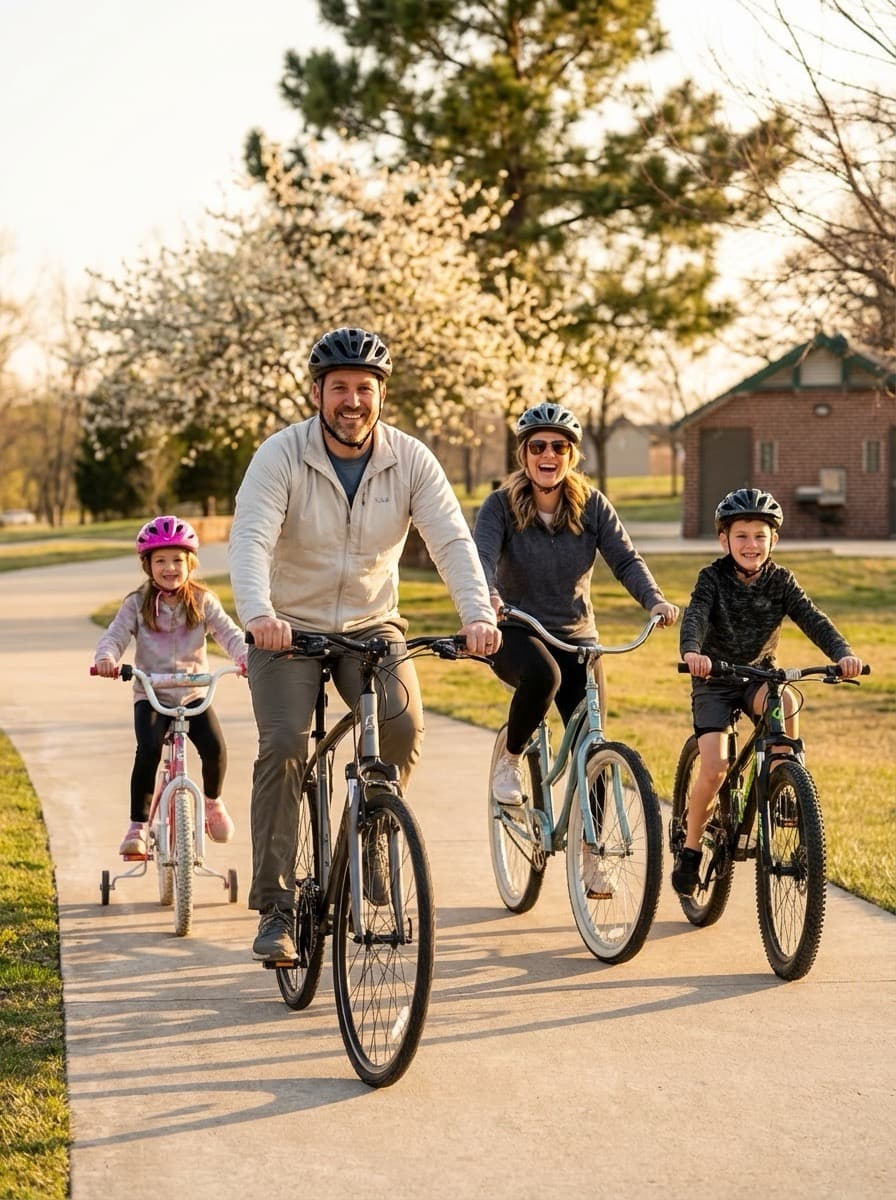
Family of four smiling while riding bicycles together on a park path
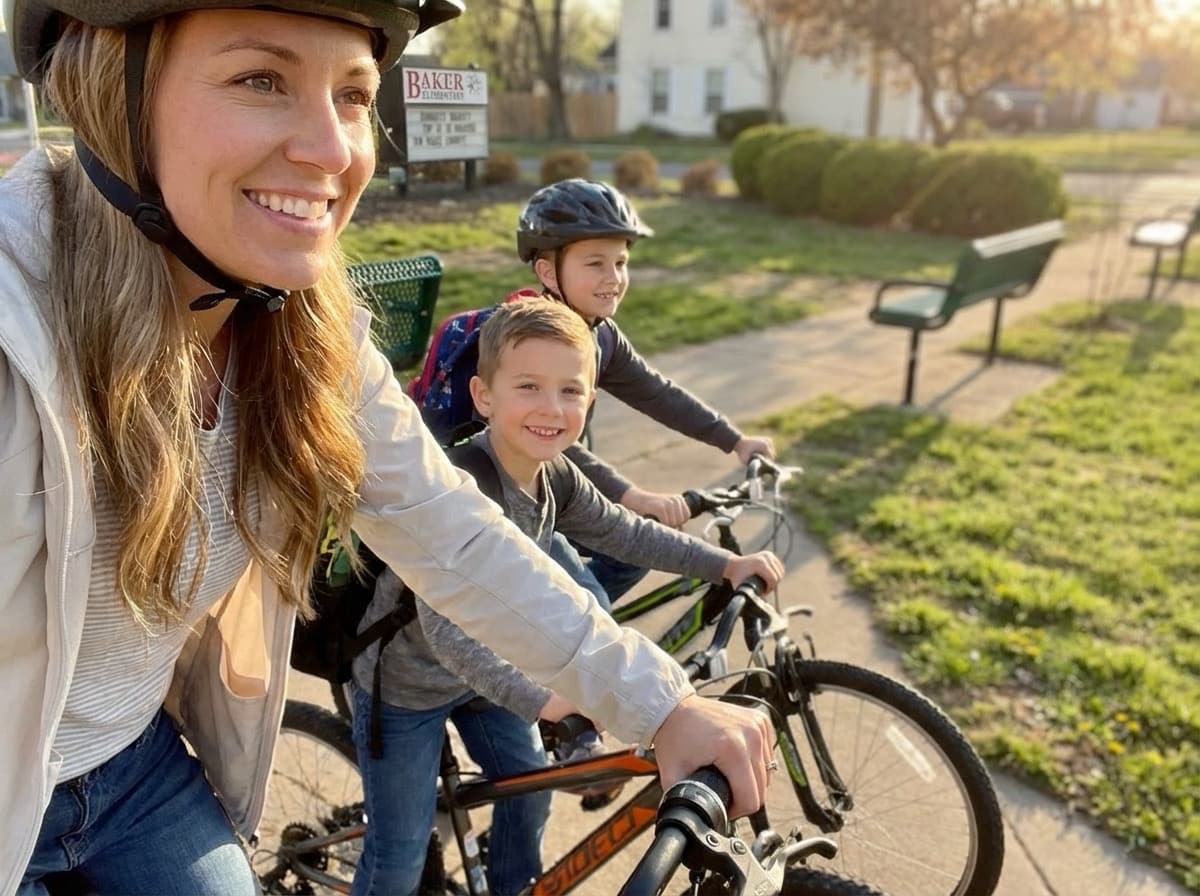
Parent biking with children on a sidewalk near school
  1. 1

    Sign Up

    Create a free account in seconds.

    Use your school or personal email. You will use this account to own maps and groups, so pick something you check regularly.

  2. 2

    Create a Group

    Add your school, neighborhood, or team.

    Name your group clearly (for example, “Lincoln Elementary Bike Train”). Add a short description so new volunteers know what it is for.

  3. 3

    Build Your Route

    Use the map to plot stops and draw safe paths.

    Add each stop, then connect them along roads and paths you have scouted. Add notes for leaders about tricky crossings or where to regroup.

  4. 4

    Share It

    Publish a public link or share within your group.

    When you are ready, switch visibility to public or keep it within the group. Distribute the link to families and post it wherever your community looks for updates.
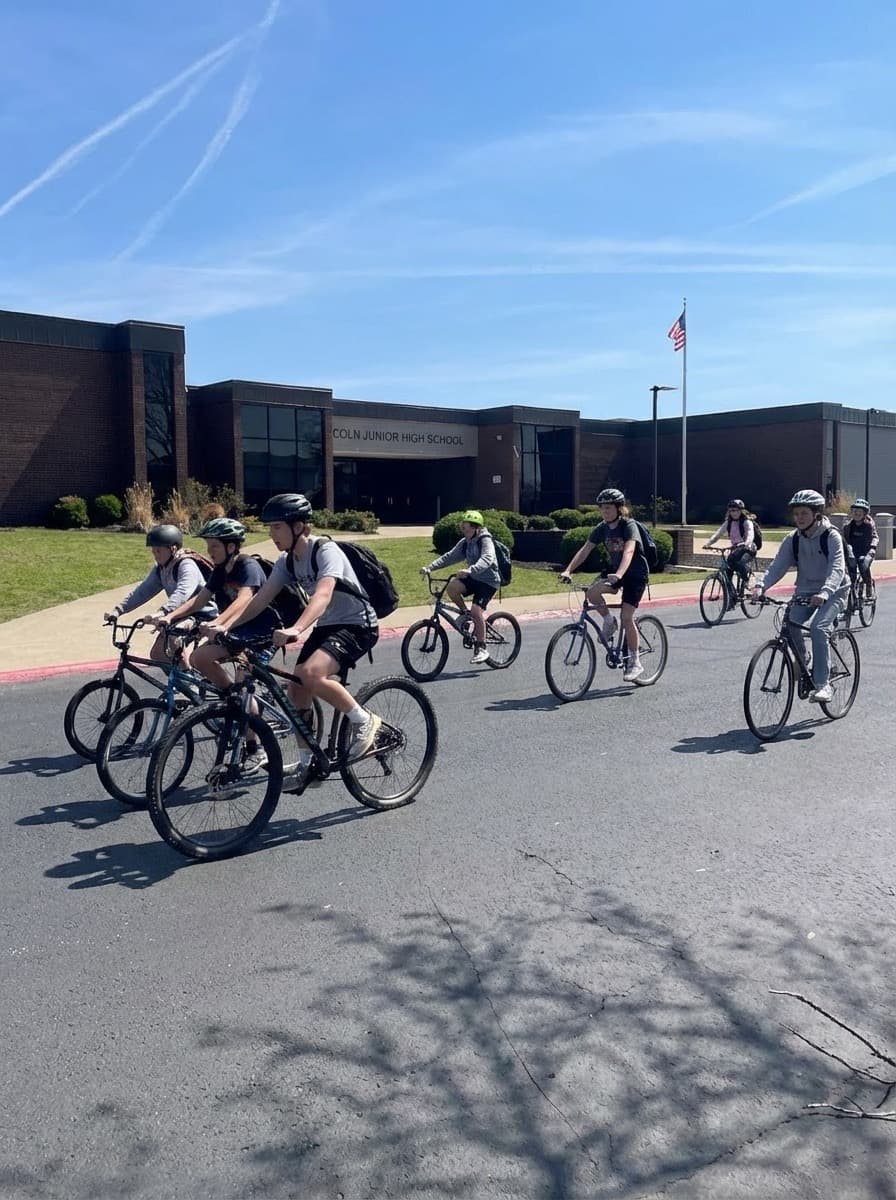
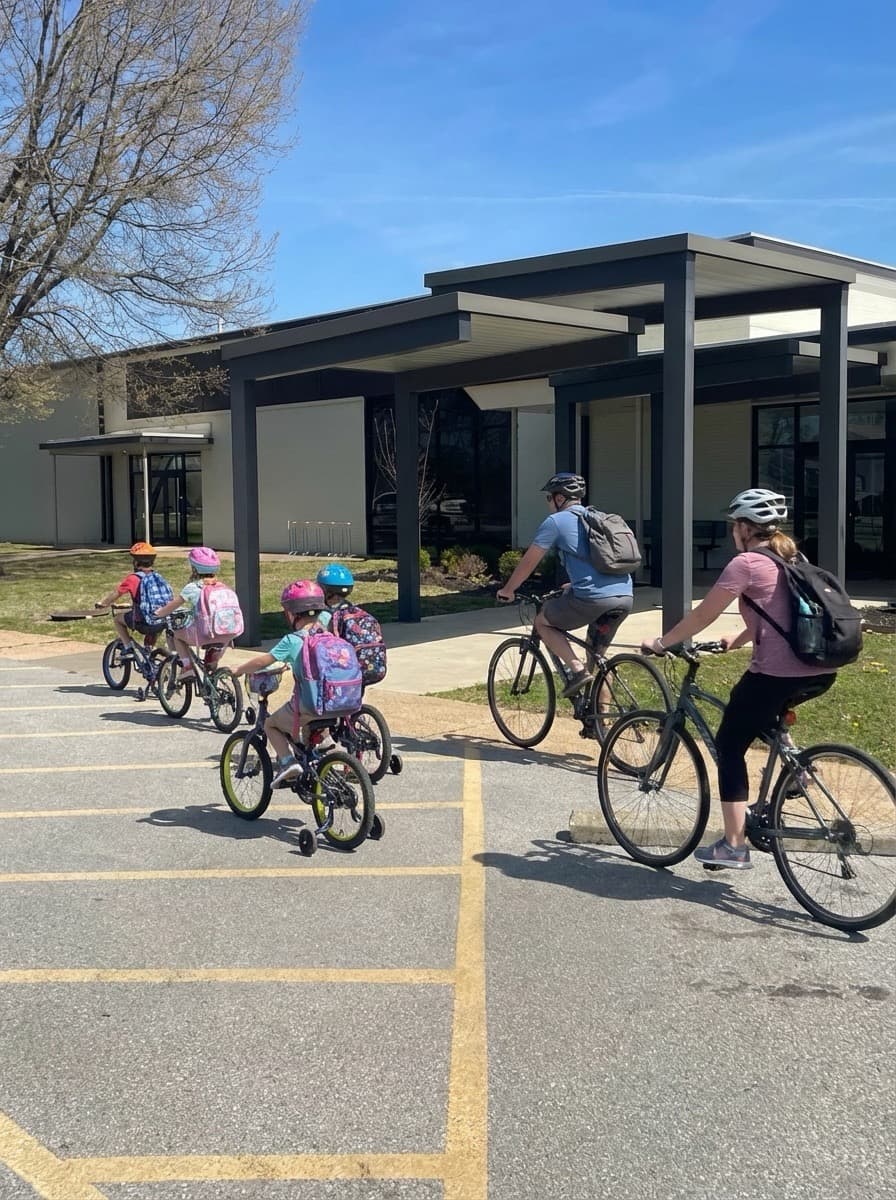
Students riding bicycles in front of a junior high school building
Adults and children biking in a line toward a school building
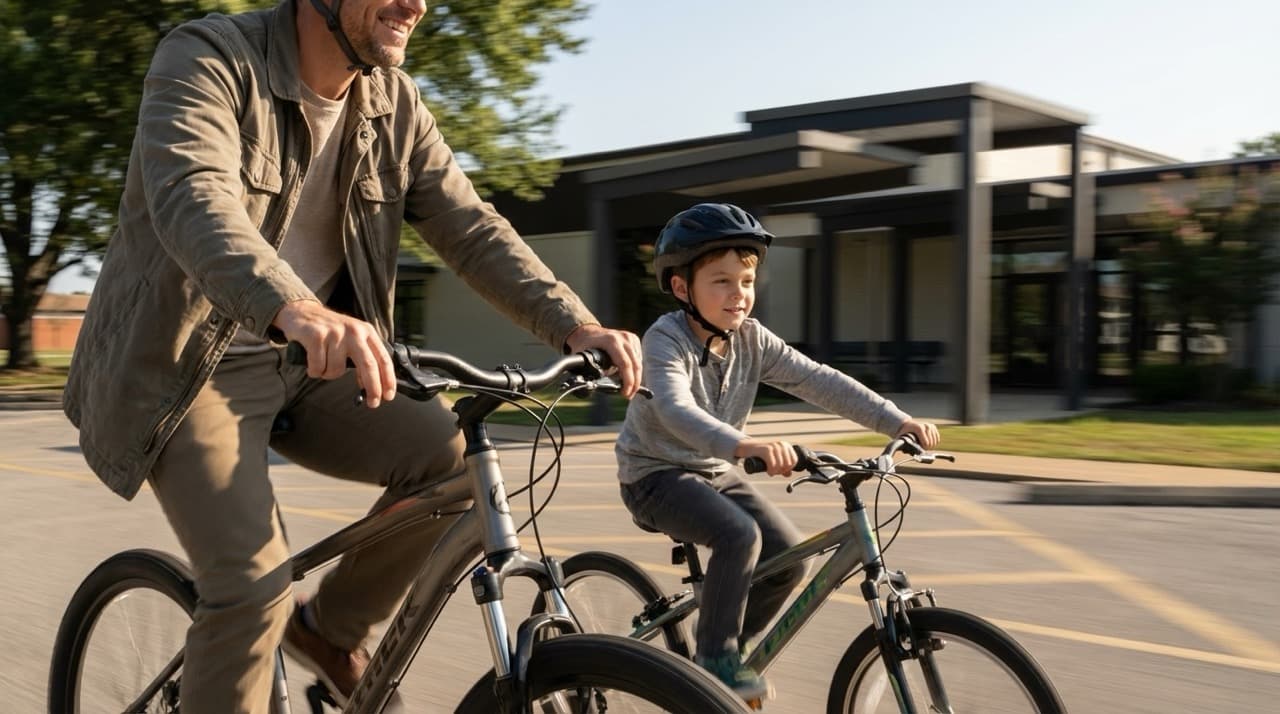
Father and son smiling while riding bikes together

After you publish

Do a practice ride with your core leaders, then announce the route through your school newsletter and social channels. Update stops or times anytime—the same public link stays current.