How-to guide
Create your first map
From Dashboard or Maps, create a new map and open the editor. Add your start and end, then place the rest of the stops in ride order. Use “Save map” to lock in changes as you build.
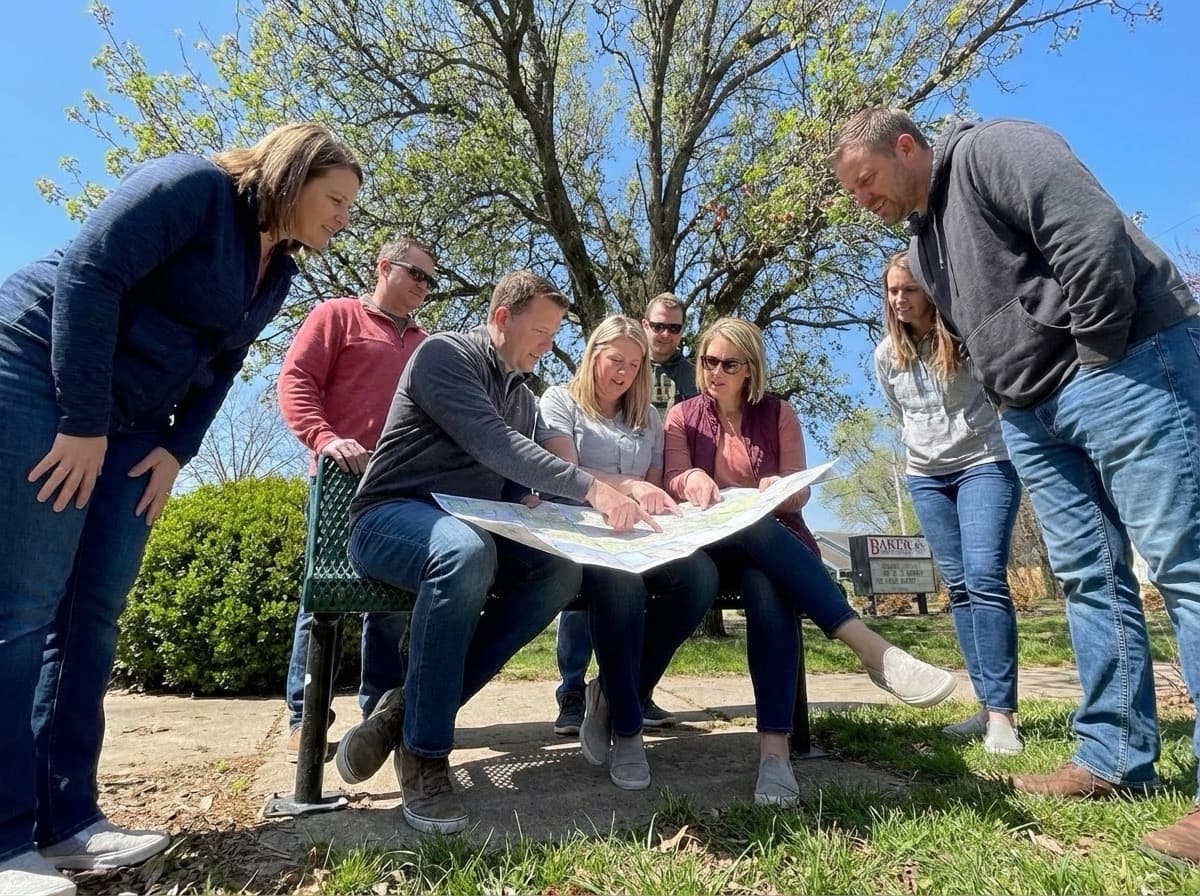
Start with the trip families already take
Before you open the map builder, write down the school arrival window, the main entrance you want families to use, and the neighborhoods you expect riders to come from. This keeps the first version practical instead of overly detailed.
Choose one route that can be explained in a single sentence, such as 'Meet at Oak Park, follow Maple to the school entrance, and stop once at the library.' A clear first route is easier to test, share, and improve than a route that tries to serve every family on day one.
- Confirm the destination entrance and morning arrival time.
- List likely meeting points such as parks, churches, or neighborhood corners.
- Note any crossings, trails, or streets you already know are sensitive.
Build the first draft in the app
Create a map from Dashboard (“Create map”) or the Maps page (“New Map”), then select “Create & Open Editor” to start placing stops.
In the editor, set a clear start and end first, then add the remaining stops in ride order (not alphabetical order). The route and stop numbering follow your sequence.
- Place a Start point at your first meeting location.
- Add stops for pickup locations along the way.
- Place an End point at the school entrance or final destination.
- Click “Save map” after major edits so changes are stored.
Name stops for people, not planners
Families benefit most from stop names that are easy to recognize on a busy morning. A stop titled 'Library parking lot entrance' is usually better than a highly technical intersection description.
If two stops are close together, add a short note that removes ambiguity, such as which side of the street to wait on or which driveway to avoid.
- Prefer landmarks families can spot quickly.
- Use the address field to hold the formal location.
- Use notes for pickup instructions, gate locations, or landmark clues.
Review, ride, and revise
The first map is a working draft. Once the route exists, do a ride-along at the real time of day if possible and look for anything that would confuse a new family or slow the group down.
After the test ride, update stop locations, adjust times, and refine wording while the experience is fresh. A route that improves after each test is far more valuable than a 'perfect' draft that never gets used.
- Check whether stop spacing feels realistic for students.
- Confirm the route matches the safest crossings you can support.
- Update notes right away while observations are still specific, then “Save map”.